WhatsApp Notifications & Alerts
Receive real-time task alerts, daily attendance reminders, and client milestone updates directly on WhatsApp without opening the web browser.
app.syncupp.com
Instant Notification Triggers
Syncupp dispatches automated WhatsApp messages for critical operational events:
- Direct Assignments & Mentions: Instant message whenever someone tags
@yournameor assigns you to a task. - Deadline Reminders: Sent 24 hours prior to a task's scheduled due date.
- Daily Attendance Prompts: Morning reminder to punch in for shifts.
- Critical Status Changes: Real-time ping when cards enter review or get flagged as overdue.
Setup & Activation
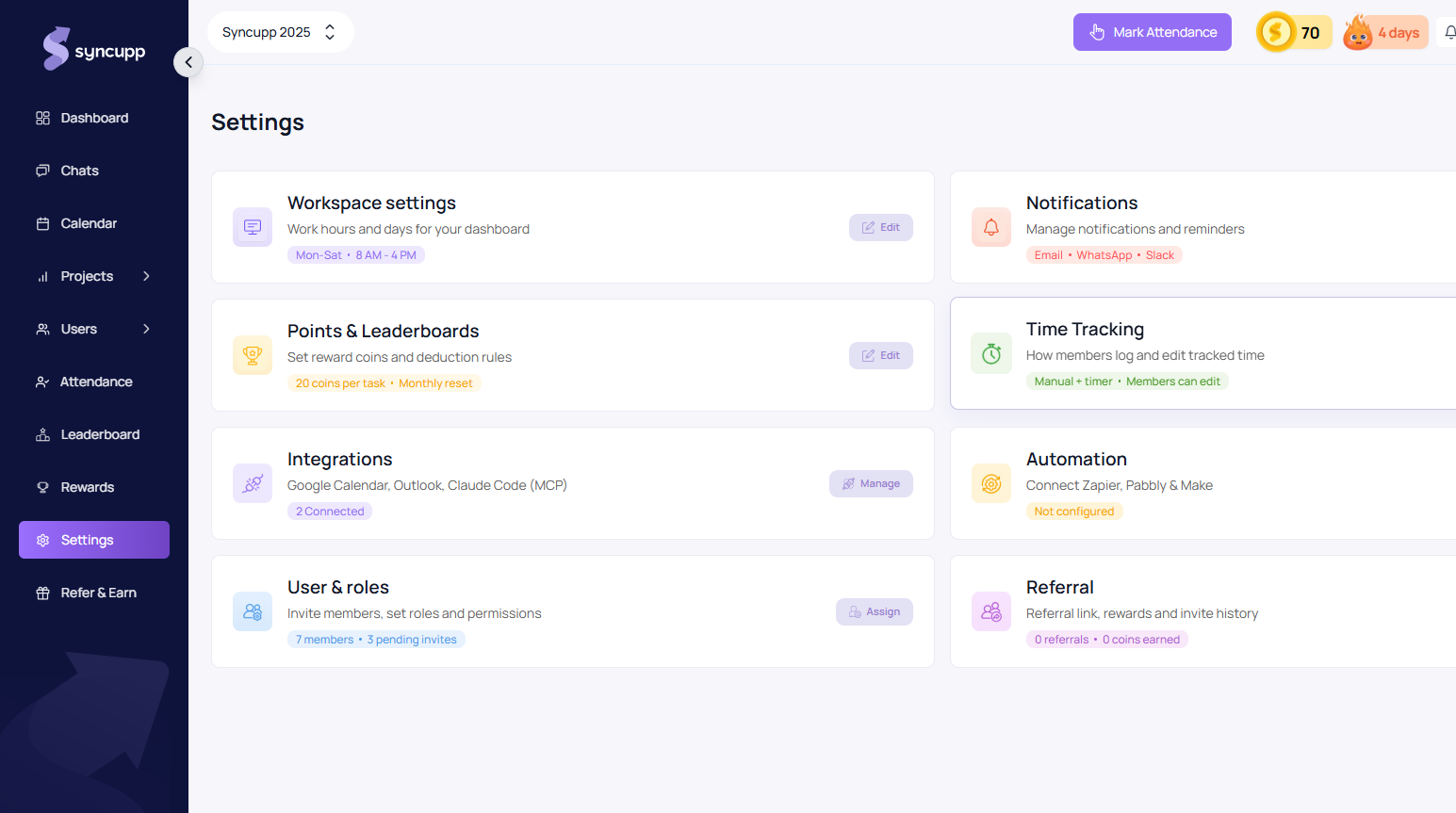
- Navigate to Sidebar → Settings → Notifications (app.syncupp.com/syncupp-2025/settings (opens in a new tab)).
- Toggle on the WhatsApp notification channel.
- Verify that each team member has set their valid mobile phone number and international country code in My Profile.