Holidays & Leave Requests
Manage agency holiday calendars, approve time-off requests, and monitor company-wide availability seamlessly.
Team Leave Management & Approvals
Track upcoming time-off, review pending teammate submissions, and log leaves directly on behalf of staff.
app.syncupp.com
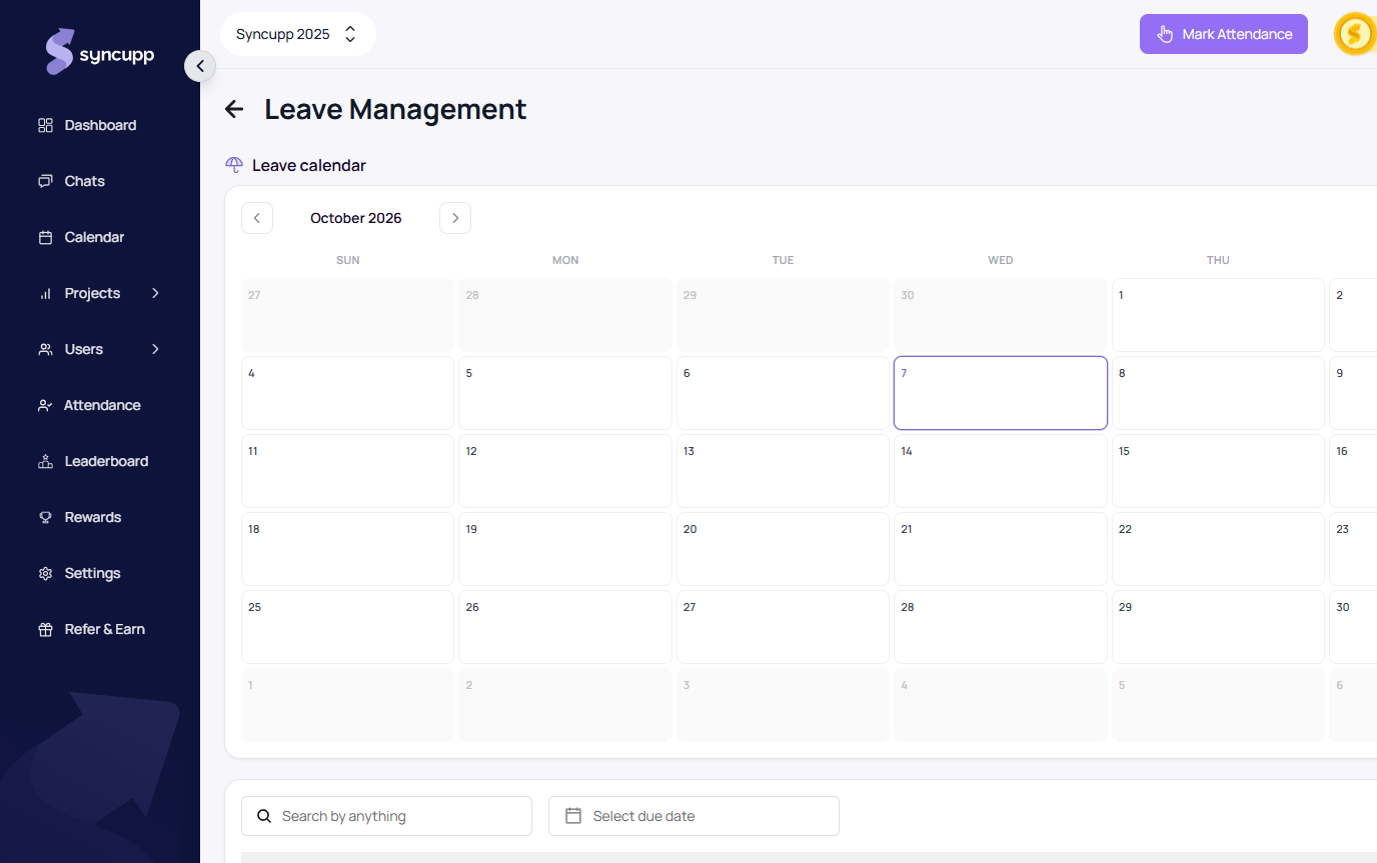
Applying and Logging Leaves
- Navigate to Leave Management (app.syncupp.com/syncupp-2025/leave-management (opens in a new tab)).
- Admins and managers can click Add leave for teammate to record scheduled absences directly.
- Teammates can submit requests specifying the date range, duration (single day or multi-day spans), and justification.
- Managers inspect submitted details using the View modal to approve or adjust allocations with a single click.
Agency Holidays & Activity Calendar
Maintain regional office holidays and company-wide days off to keep sprint estimates and attendance records accurate.
app.syncupp.com
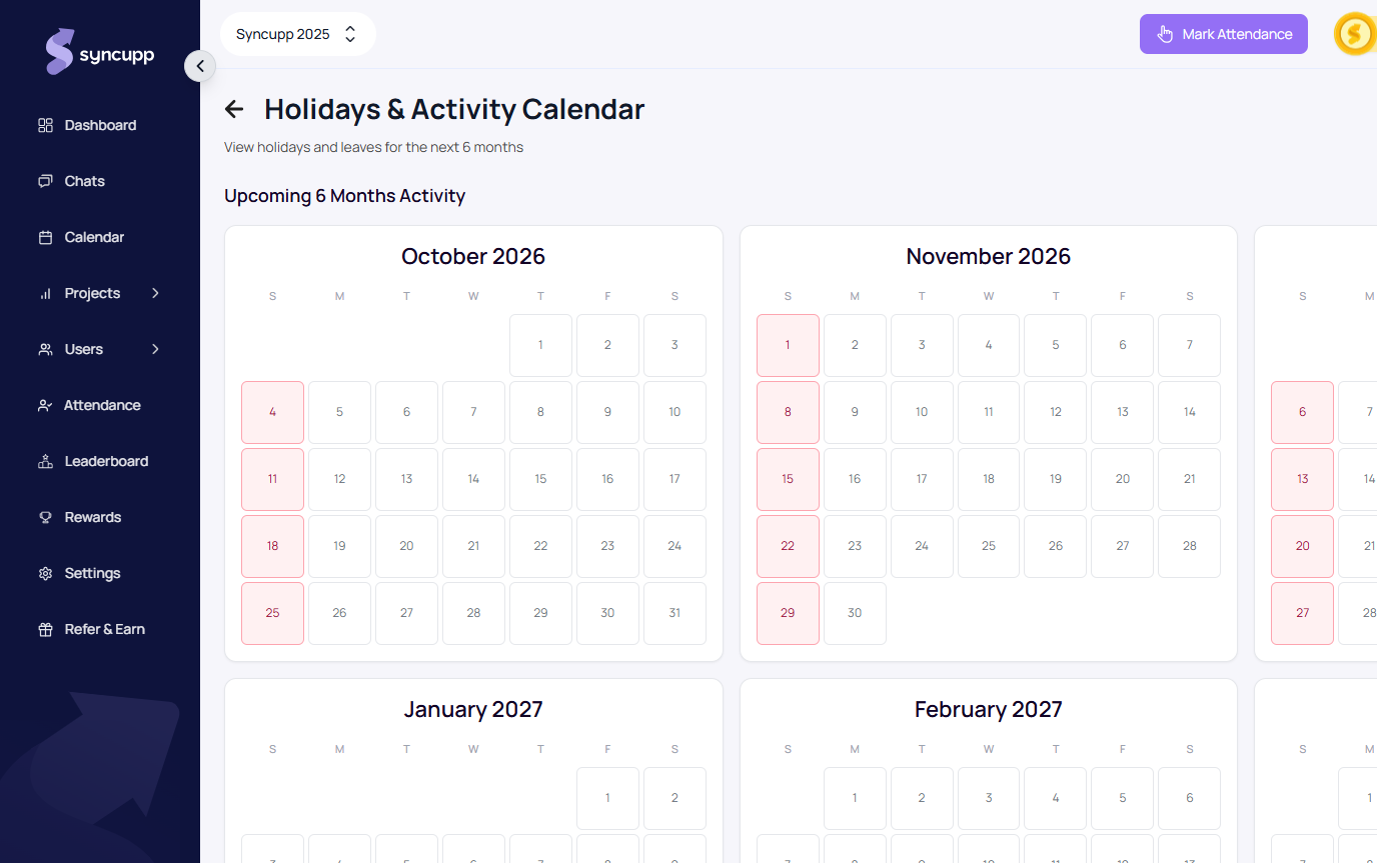
Configuring Holidays
- Navigate to Holidays (app.syncupp.com/syncupp-2025/holidays (opens in a new tab)).
- Review the Upcoming 6 Months Activity timeline for an at-a-glance outlook of team availability across upcoming quarters.
- Click Add Holiday to register upcoming national, religious, or company days off.
- Use Expand to full year to view and plan the complete 12-month calendar.
- All approved agency holidays are automatically marked as non-working days, preventing false attendance streak breaks or late punch deductions.