Quick Start Guide
Get up and running with Syncupp in under 5 minutes.
Step 1: Your Workspace Dashboard
When you sign in to Syncupp (app.syncupp.com (opens in a new tab)), you land on your personalized command center.
app.syncupp.com
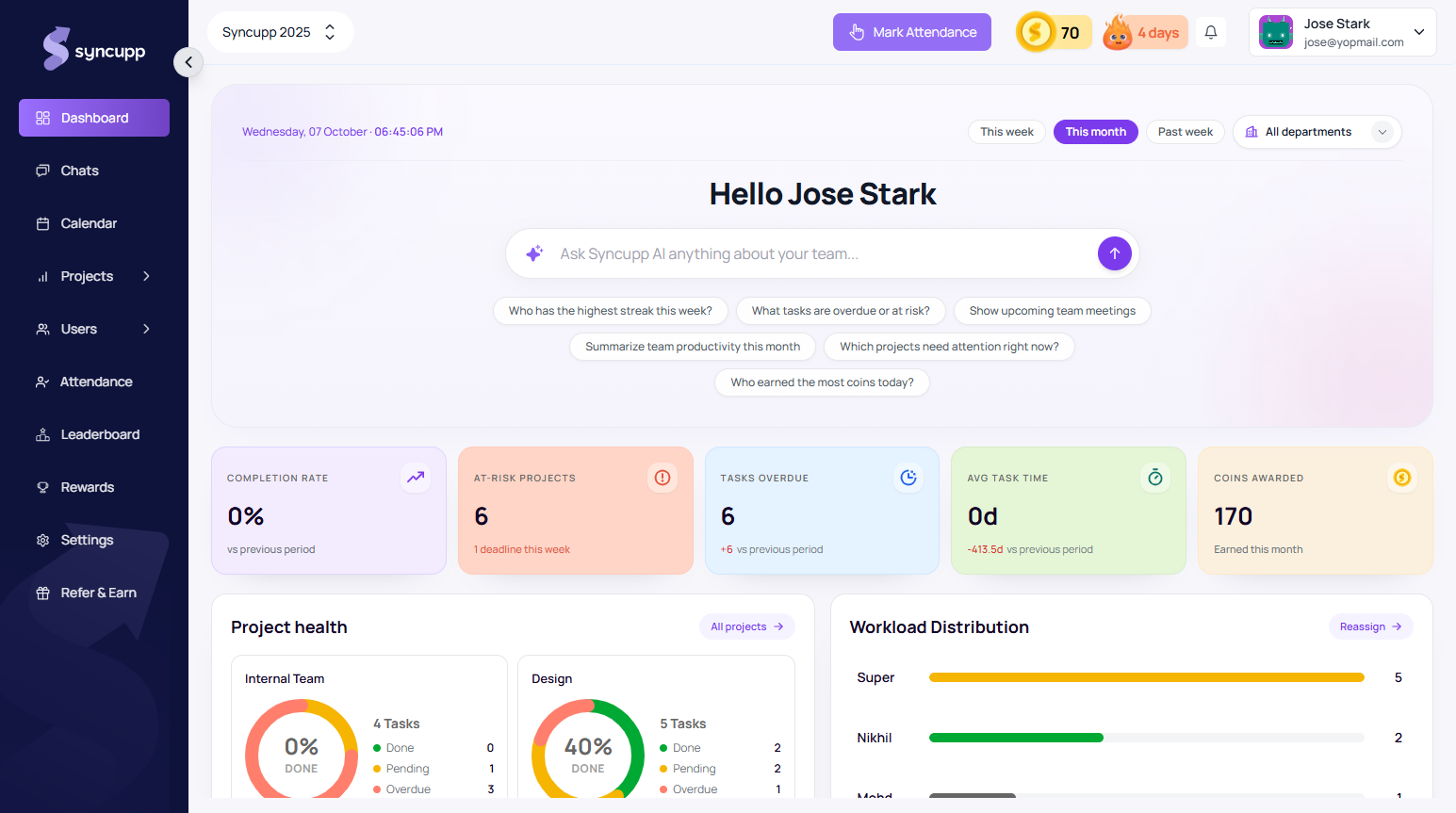
- Streak & Coins: Track daily work habits and gamification points in the top bar.
- Project Health: View at-a-glance status counts across all active team deliverables.
- Workload Distribution: Monitor teammate task loads to prevent burnout.
Step 2: Invite Your First Team Member
- Navigate to Team in the left sidebar.
- Click Add Member in the top-right corner.
- Enter their First Name, Last Name, and Work Email.
- Select their role (
Super Admin,Admin, or custom role). - Click Invite. Your teammate will receive an email invitation with their secure sign-up link.
Step 3: Projects & Boards
- Navigate to Projects → Boards.
- Click New Board to set up a project workspace.
- Choose your team members and click Create.
- You now have a live Kanban board with default lifecycle columns.
Step 4: Configure Workspace Settings
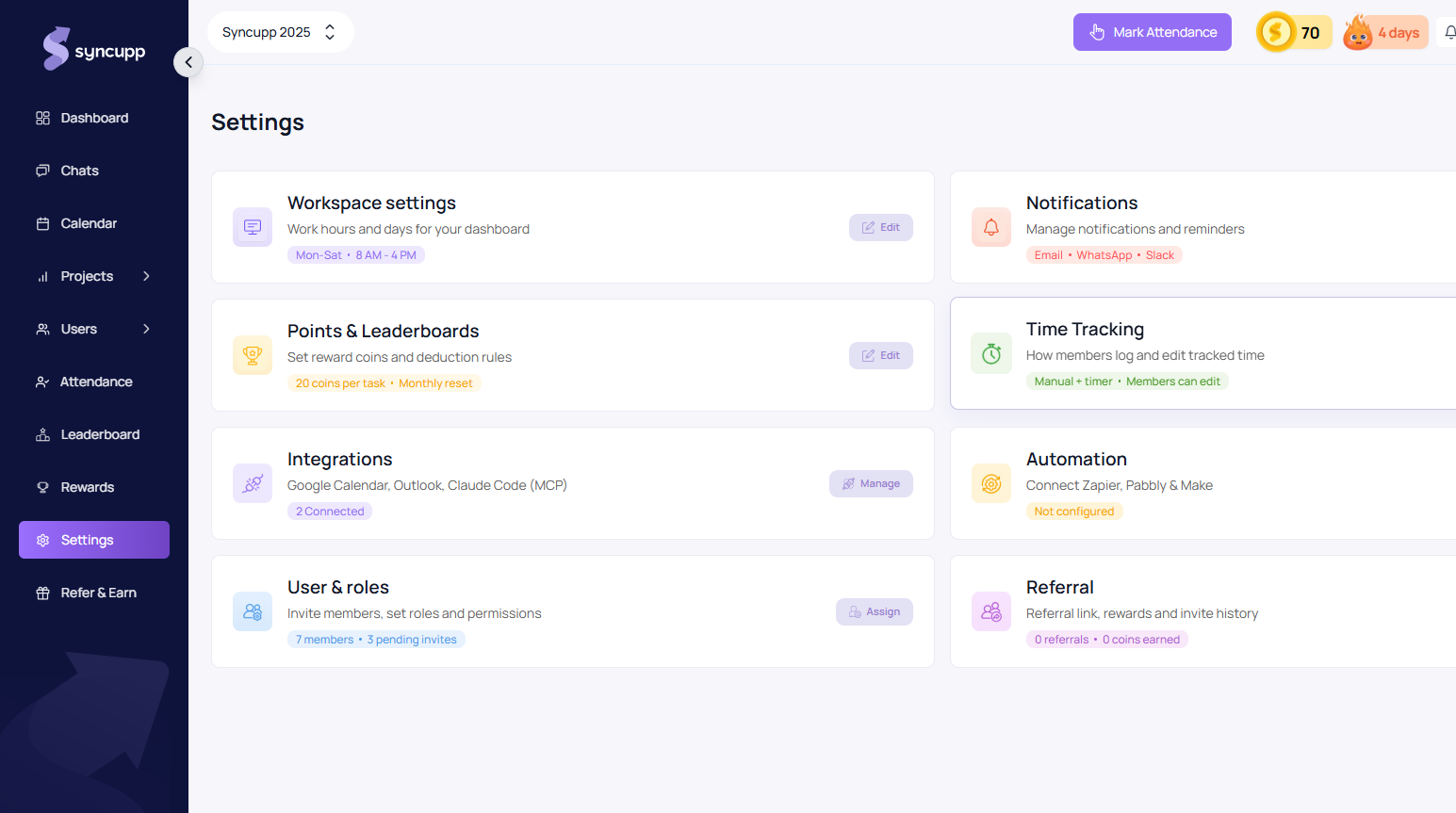
Navigate to Settings (app.syncupp.com/syncupp-2025/settings (opens in a new tab)) to set your team's work schedule, notification channels, and gamification rewards:
app.syncupp.com