Team Chat & Direct Messages
Syncupp includes a full-featured real-time chat application directly inside your workspace, eliminating the need for a separate Slack or Teams subscription.
app.syncupp.com
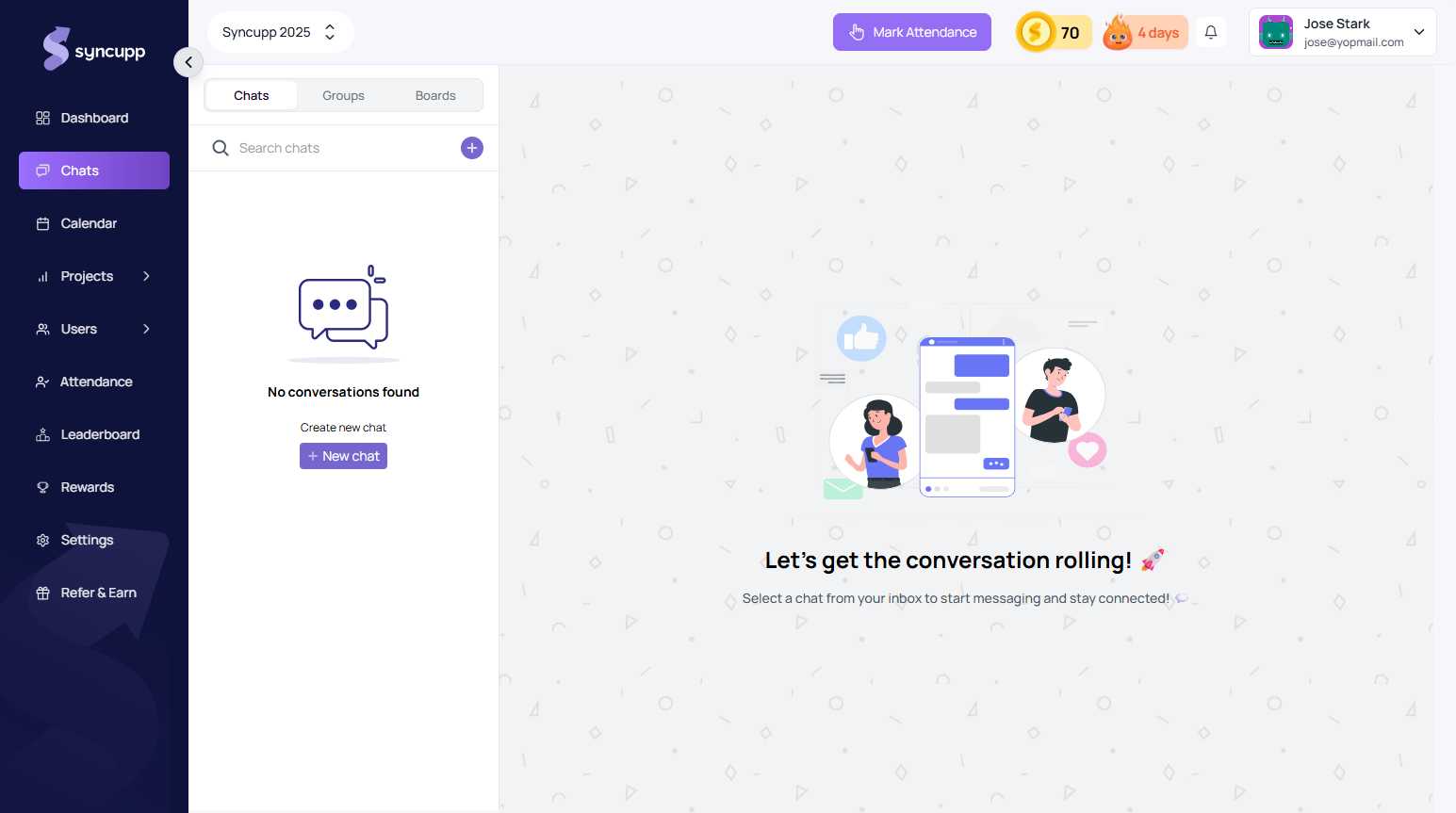
Core Chat Features
- 1:1 Direct Messages: Click New chat to start a private conversation with any teammate.
- Group Channels: Create topic-based or project-based group chats by selecting multiple collaborators.
- Board Chat Threads: Switch to the Boards tab to see real-time discussions tied specifically to your project boards.
- Mentions & Alerts: Use
@nameto notify team members. If WhatsApp or Slack notifications are enabled, mentioned colleagues can also receive that alert on their phone or in Slack. - File Sharing & Previews: Paste screenshots, links, and documents with instant inline rich previews.
Also work from WhatsApp or Slack
In-app chat is for talking with your team. WhatsApp and Slack can do the work itself: create a task, rename it, assign someone, change a due date, mark it done, list boards, and handle leave. The assistant follows the same role permissions as the web app. A task still needs a title and a board.
- WhatsApp: After your number is verified, reply in the Syncupp WhatsApp chat. See WhatsApp Notifications & Alerts.
- Slack: Connect Slack from Notification Preferences and choose Full AI Assistant + Notifications, then message the Syncupp app in a direct message. See Slack AI & Notifications.