Team Members & Invitations
Manage internal collaborators, assign roles, and allocate workspace seats.
app.syncupp.com
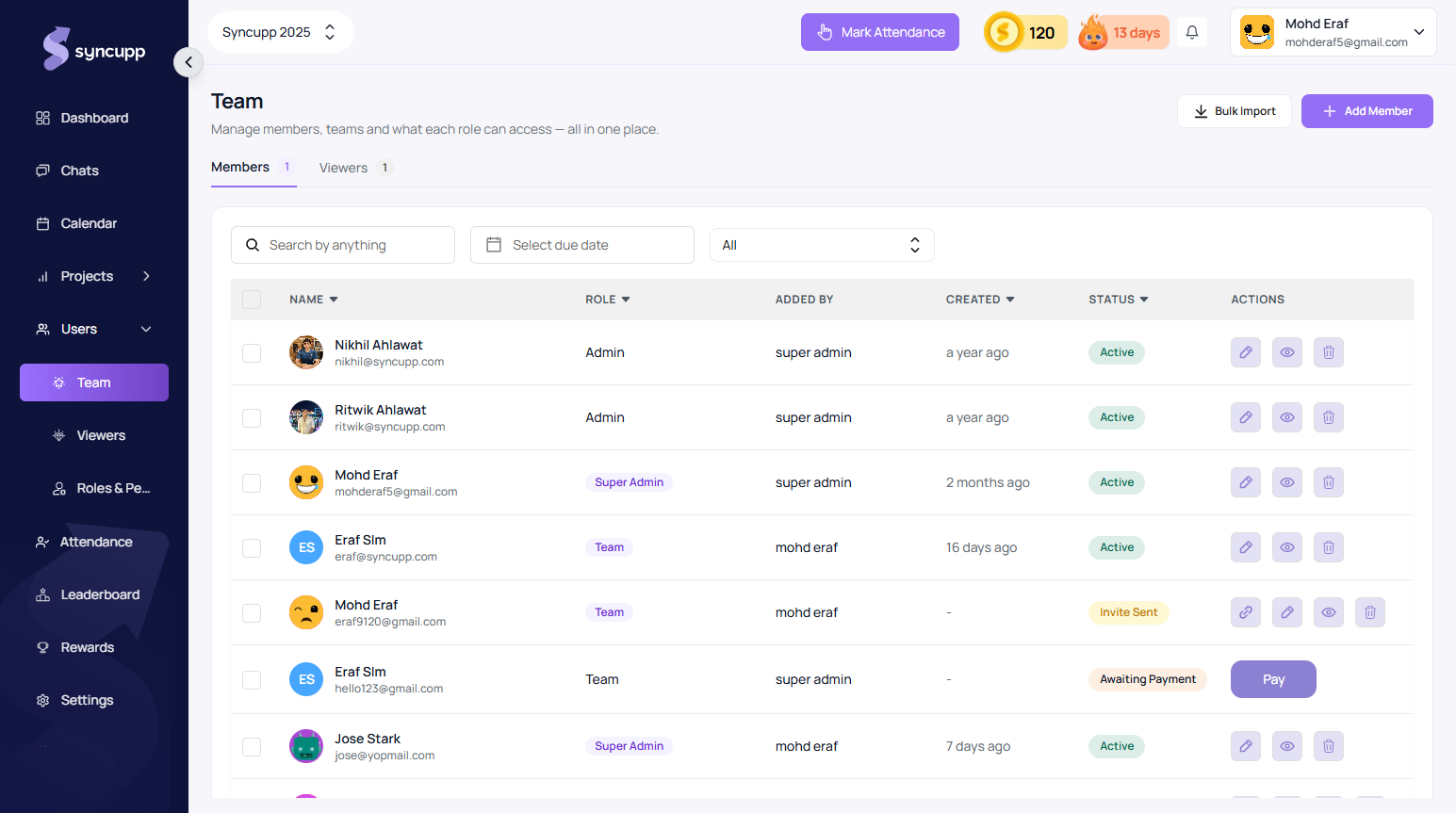
Inviting a Teammate
- Go to Sidebar → Team.
- Click Add Member.
- Fill in their First Name, Last Name, and Work Email.
- Select their role (
Super Admin,Admin, or custom role). - Click Invite.
Seat Quotas & Pending Invitations
- Seat Formula:
Occupied Seats = Confirmed Members + Pending Invitations - If an invited teammate's invite is still pending, it reserves a seat in your workspace.
- Copy Invitation Link: Admins can copy a pending invitation link directly from the table or resend it if the email was caught in a spam filter.